



Deploying a website is the final step in bringing your project to life. Whether you are a beginner building your first blog or a developer launching a complex application, deployment ensures your site is accessible to users worldwide. In this complete guide, we’ll cover everything from choosing hosting and registering a domain to uploading files, configuring servers, and using modern deployment tools. By the end, you’ll have a clear roadmap to launch your website successfully.
Why Website Deployment Matters
Website deployment is more than just uploading files. It involves configuring servers, securing your site with SSL, optimizing performance, and ensuring scalability. A poorly deployed website can lead to downtime, slow loading speeds, and security vulnerabilities. Proper deployment ensures your site is fast, secure, and reliable.
Step 1: Choose the Right Hosting Provider
Hosting is the foundation of your website. The type of hosting you choose will affect speed, scalability, and cost. Here are the main options:
- Shared Hosting: Affordable and beginner-friendly, but limited in resources.
- VPS Hosting: Offers dedicated resources and more control.
- Cloud Hosting: Scalable and flexible, ideal for growing websites.
- Dedicated Servers: Best for large businesses needing maximum control.
Step 2: Register a Domain Name
Your domain name is your website’s identity. Choose a name that is short, memorable, and relevant to your niche. Use registrars like GoDaddy, Namecheap, or Google Domains. Once registered, connect your domain to your hosting provider by updating DNS records.
Step 3: Connect Domain to Hosting
After purchasing hosting and a domain, you need to link them. This is done by updating your domain’s DNS settings to point to your hosting provider’s nameservers. It may take up to 24 hours for DNS propagation worldwide.
Step 4: Upload Website Files
There are several ways to upload your website files:
- FTP/SFTP: Use tools like FileZilla to transfer files securely.
- Hosting Control Panel: Upload files directly via cPanel or Plesk.
- Deployment Tools: Use GitHub Actions, Netlify, or Vercel for modern workflows.
Step 5: Configure Server Settings
Once files are uploaded, configure your server:
- Install an SSL Certificate for HTTPS security.
- Set up redirects (www vs non-www, HTTP to HTTPS).
- Configure error pages (404, 500).
- Enable caching for faster performance.
Step 6: Database Setup
If your website uses a CMS like WordPress or an application requiring a database, configure MySQL or PostgreSQL. Create a database, assign a user, and update your site’s configuration file with database credentials.
Step 7: Test Your Website
Before going live, test your website thoroughly:
- Check all links and navigation.
- Test forms and interactive elements.
- Verify mobile responsiveness.
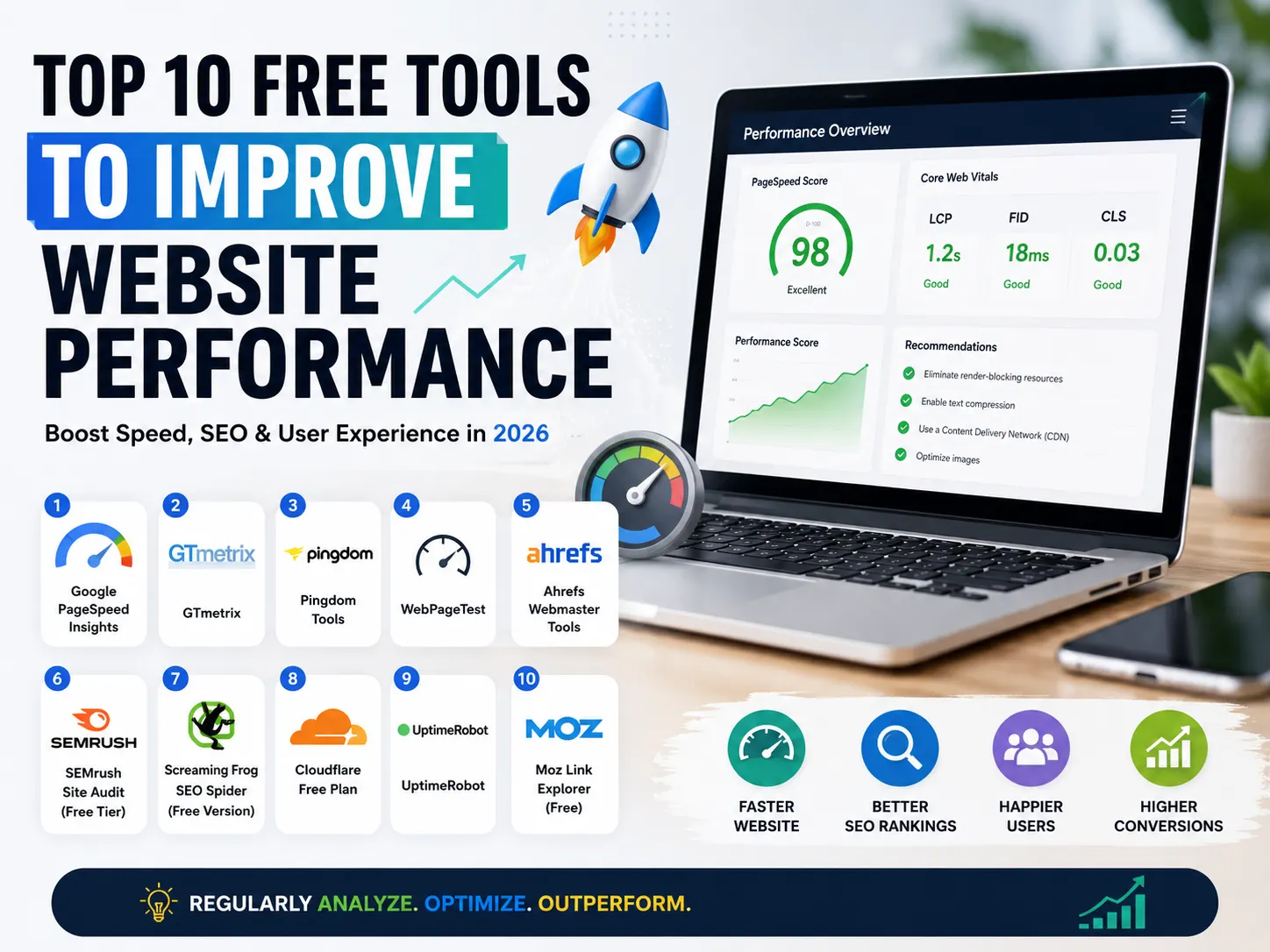
- Run speed tests using tools like GTmetrix or Google PageSpeed Insights.
Step 8: Optimize for SEO
SEO optimization ensures your site ranks well in search engines. Use plugins like Yoast SEO to add meta titles, descriptions, and XML sitemaps. Optimize images with alt text and compress them for faster loading.
Step 9: Monitor and Maintain
Deployment is not a one-time task. Regular monitoring and maintenance are essential:
- Update CMS, plugins, and themes regularly.
- Monitor uptime with tools like UptimeRobot.
- Back up your site frequently.
- Check for broken links and fix them.
Modern Deployment Tools
Developers often use modern deployment platforms for efficiency:
- Netlify: Great for static sites.
- Vercel: Ideal for React, Next.js projects.
- GitHub Actions: Automates deployment pipelines.
- Docker: Containerizes applications for consistent deployment.
Common Mistakes to Avoid
- Skipping SSL setup.
- Not testing on mobile devices.
- Ignoring backups.
- Using weak passwords for FTP or databases.
Conclusion
Deploying a website may seem complex, but with the right steps, it becomes manageable. From choosing hosting and registering a domain to configuring servers and optimizing for SEO, each step ensures your site is secure, fast, and ready for visitors. Follow this complete guide, and you’ll be able to launch your website confidently.








0 comments