


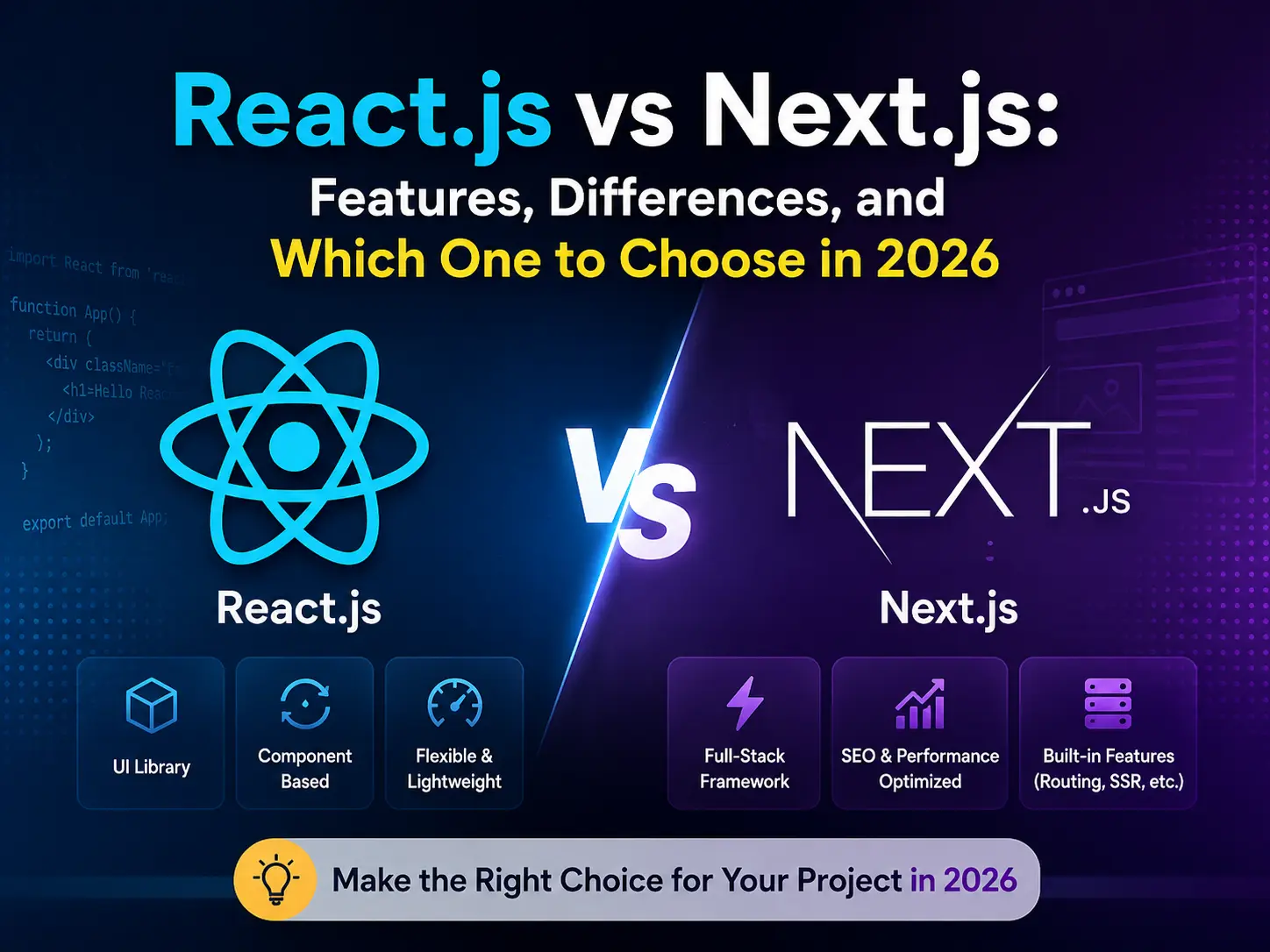
If you’re getting into modern frontend development, two names come up constantly — React.js and Next.js. And if you’re confused about what each one does, how they differ, or which one to learn first — you’re not alone.
In this post, we’ll cover everything in one place: what React and Next.js are, their key features, their advantages, their differences, and exactly when to use each one. By the end, you’ll have a clear picture of where both fit in the modern web development world.
What is React.js?
React.js is a JavaScript library built by Meta (formerly Facebook) for building user interfaces. It was released in 2013 and has since become the most popular frontend library in the world.
React’s core idea is simple: break your UI into small, reusable pieces called components, and React handles updating the DOM efficiently when your data changes.
// A simple React component
function Greeting({ name }) {
  return (
    <div>
      <h1>Hello, {name}!</h1>
      <p>Welcome to my website.</p>
    </div>
  );
}

export default Greeting;
React on its own is just a UI library — it handles the view layer. For routing, data fetching, and other concerns, you need to bring in additional tools or a framework built on top of React.
What is Next.js?
Next.js is a React framework built by Vercel. It takes React and adds a full set of production-ready features on top of it — routing, server-side rendering, static generation, API routes, image optimization, and more.
Think of it this way: React is the engine, Next.js is the complete car.
Next.js was first released in 2016 and is now in active use at companies like TikTok, Netflix, GitHub, and thousands of other production applications.
Key features of React.js
1. Component-based architecture
Every piece of your UI is a component — a self-contained block of HTML, CSS logic, and JavaScript. Components can be reused, nested, and composed together to build complex UIs from simple parts.
2. JSX — HTML inside JavaScript
React uses JSX, which lets you write HTML-like syntax directly inside your JavaScript. It looks like HTML but has the full power of JavaScript behind it.
const isLoggedIn = true;

return (
  <div>
    {isLoggedIn ? <Dashboard /> : <LoginPage />}
  </div>
);
3. Hooks — State and logic without classes
React Hooks let you add state, side effects, and other React features to functional components. The most commonly used hooks are:
useState— manage local stateuseEffect— run side effects (API calls, subscriptions)useContext— share data across components without prop drillinguseRef— access DOM elements directlyuseMemo/useCallback— performance optimisation
import { useState, useEffect } from 'react';

function UserProfile({ userId }) {
  const [user, setUser] = useState(null);

  useEffect(() => {
    fetch(`/api/users/${userId}`)
      .then(res => res.json())
      .then(data => setUser(data));
  }, [userId]);

  if (!user) return <p>Loading...</p>;

  return <h2>{user.name}</h2>;
}
4. Virtual DOM
React maintains a virtual copy of the real DOM in memory. When state changes, React compares the virtual DOM with the previous version (called diffing) and only updates the parts of the real DOM that actually changed — making updates fast and efficient.
5. One-way data flow
Data in React flows in one direction — from parent to child via props. This makes your app’s data flow predictable and easy to debug.
6. Huge ecosystem
React has one of the largest ecosystems in JavaScript — thousands of libraries, UI component kits, state management solutions (Redux, Zustand, Jotai), and a massive community.
Key features of Next.js
1. File-based routing
In Next.js, you don’t configure routes manually. Every file inside the app/ (or pages/) folder automatically becomes a route.
app/
├── page.tsx          → /
├── about/
│   └── page.tsx      → /about
├── blog/
│   ├── page.tsx      → /blog
│   └── [slug]/
│       └── page.tsx  → /blog/any-post-title
Dynamic routes, nested routes, and catch-all routes are all handled with simple folder structure — no React Router setup required.
2. Multiple rendering strategies
Next.js gives you four ways to render pages — and you can mix them in the same project:
- SSR (Server-Side Rendering) — page is rendered on the server for every request. Great for pages with frequently changing data.
- SSG (Static Site Generation) — page is pre-built at build time. Fastest possible load, perfect for blogs and marketing pages.
- ISR (Incremental Static Regeneration) — pages are statically generated but can be re-generated in the background at set intervals without a full rebuild.
- CSR (Client-Side Rendering) — same as standard React, rendered in the browser. Use for dashboards or highly interactive pages.
3. App Router and Server Components
The Next.js App Router (introduced in Next.js 13, now the default) brings React Server Components — components that run entirely on the server and send only HTML to the browser. No JavaScript bundle sent to the client for these components.
// This runs on the server — no client JS needed
async function BlogList() {
  const posts = await fetch('https://api.example.com/posts').then(r => r.json());

  return (
    <ul>
      {posts.map(post => (
        <li key={post.id}>{post.title}</li>
      ))}
    </ul>
  );
}
4. Built-in API routes
Next.js lets you write backend API endpoints inside the same project — no separate server needed.
// app/api/contact/route.ts
export async function POST(request: Request) {
  const body = await request.json();
  // handle form submission, save to DB, send email etc.
  return Response.json({ success: true });
}
5. Image optimisation
The built-in <Image> component automatically handles lazy loading, resizing, format conversion (WebP), and responsive images — things that normally require manual setup.
import Image from 'next/image';

<Image
  src="/hero.jpg"
  alt="Hero image"
  width={1200}
  height={630}
  priority
/>
6. Middleware
Next.js Middleware lets you run code before a request is completed — perfect for authentication checks, redirects, A/B testing, and geolocation-based routing.
7. TypeScript and Tailwind CSS support out of the box
Next.js sets up TypeScript and Tailwind CSS with zero configuration — just answer yes during project setup.
8. SEO-friendly by default
Because pages can be server-rendered or statically generated, search engines can crawl them fully — unlike a standard React SPA where content is rendered only in the browser.
React.js vs Next.js — Key differences
| Feature | React.js | Next.js |
|---|---|---|
| Type | UI Library | Full React Framework |
| Routing | Manual (React Router) | Built-in file-based routing |
| Rendering | Client-side only (CSR) | SSR, SSG, ISR, CSR |
| SEO | Poor (content in JS) | Excellent (server rendered) |
| API routes | ❌ Not included | ✅ Built-in |
| Image optimisation | ❌ Manual | ✅ Built-in |
| Learning curve | Lower | Slightly higher |
| Performance | Good | Excellent |
| Best for | SPAs, dashboards, apps | Websites, blogs, e-commerce, full-stack apps |
| Backend support | ❌ Frontend only | ✅ API routes included |
| Deployment | Any static host | Vercel, any Node.js host |
Advantages of React.js
- Simpler to learn first — fewer concepts to grasp upfront
- More flexible — choose your own tools for routing, state, data fetching
- Great for SPAs and internal dashboards — where SEO doesn’t matter
- Huge community and job market — React knowledge transfers directly to Next.js, React Native, and more
- Works with any backend — pair it with Node, Django, Laravel, or any API
Advantages of Next.js
- SEO out of the box — server rendering means search engines can index your content
- Faster initial page load — HTML arrives pre-rendered, not built in the browser
- Full-stack in one project — API routes mean you don’t need a separate backend for simple use cases
- Better performance by default — automatic code splitting, image optimisation, font optimisation
- Multiple rendering modes — pick the right strategy per page, not per project
- Production-ready defaults — TypeScript, ESLint, Tailwind, and more set up automatically
When to use React.js
Choose React when you’re building:
- Internal dashboards or admin panels (SEO not needed)
- Web apps with complex client-side interactivity
- Projects where you want full control over your tooling
- Mobile apps (React Native uses the same component model)
- Learning frontend development from scratch
When to use Next.js
Choose Next.js when you’re building:
- Marketing websites or landing pages (SEO critical)
- Blogs or content sites
- E-commerce stores
- Full-stack web applications
- Any React project that will be public-facing
- Projects where performance and Core Web Vitals matter
Should you learn React before Next.js?
Yes — absolutely. Next.js is built on top of React. If you don’t understand React components, hooks, state, and props, Next.js will be confusing. Learn React first, get comfortable with it, then move to Next.js — it’ll feel like a natural upgrade rather than a new framework.
A solid React foundation also means your skills transfer to React Native (mobile), Remix, and other React-based tools.
Quick start — React vs Next.js
# Start a new React project (with Vite)
npm create vite@latest my-app -- --template react

# Start a new Next.js project
npx create-next-app@latest my-app
Final thoughts
React and Next.js aren’t competitors — Next.js is React, just with more built in. The question is never “React or Next.js” — it’s “do I need the extras that Next.js provides?”
For most public-facing web projects in 2026, Next.js is the better default choice. For dashboards, internal tools, or pure SPAs, plain React with Vite is often the cleaner option.
Start with React. Learn the fundamentals well. Then step into Next.js — and you’ll find it makes your React skills significantly more powerful.
If you want to sharpen your JavaScript before diving into React, check out the guide on JavaScript array methods every developer must know — it’ll make working with data in React much smoother.
Happy coding! 🚀









0 comments