


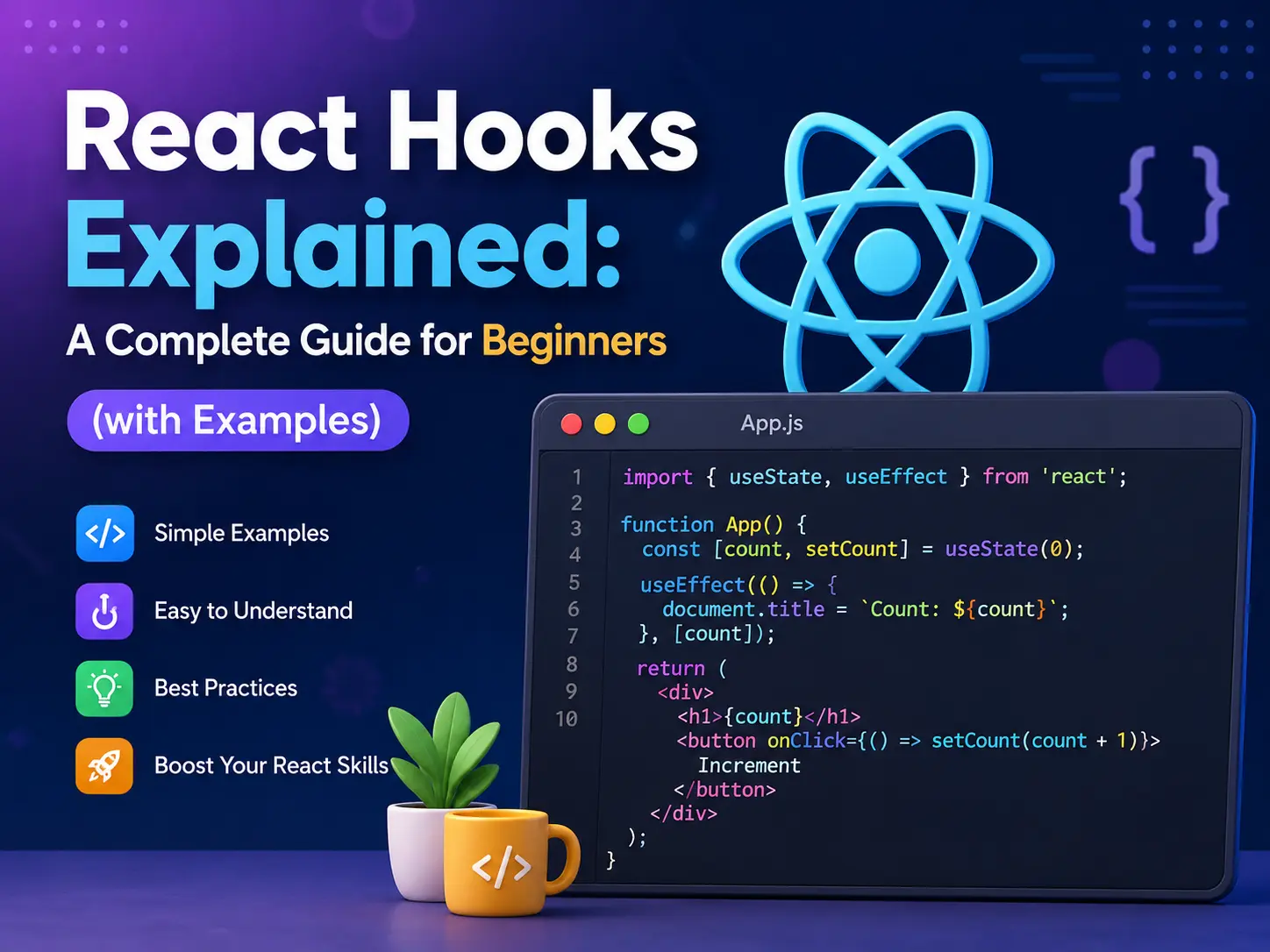
What are React Hooks?
Before Hooks arrived in React 16.8 (2019), the only way to use state and lifecycle features in React was to write class components. Class components worked, but they came with a lot of boilerplate — this binding, lifecycle methods, and complex patterns that made code hard to read and reuse.
Hooks solved this by letting you use state, side effects, context, and more directly inside functional components — simple JavaScript functions. No classes, no this, no complexity.
// Old way — Class component
class Counter extends React.Component {
  constructor(props) {
    super(props);
    this.state = { count: 0 };
  }
  render() {
    return (
      <button onClick={() => this.setState({ count: this.state.count + 1 })}>
        Count: {this.state.count}
      </button>
    );
  }
}

// New way — Functional component with Hook
function Counter() {
  const [count, setCount] = useState(0);
  return (
    <button onClick={() => setCount(count + 1)}>
      Count: {count}
    </button>
  );
}
Same result. Half the code. Much easier to read.
Rules of Hooks
Before we dive in, there are two rules you must follow every time you use a Hook:
- Only call Hooks at the top level — never inside loops, conditions, or nested functions.
- Only call Hooks inside React functions — either functional components or custom Hooks. Not in regular JavaScript functions.
Break these rules and React’s behaviour becomes unpredictable. The ESLint plugin eslint-plugin-react-hooks catches violations automatically — worth installing in every React project.
1. useState — Managing local state
useState is the most used Hook in React. It lets you add a state variable to a functional component.
import { useState } from 'react';

function LikeButton() {
  const [liked, setLiked] = useState(false);
  const [count, setCount] = useState(0);

  const handleClick = () => {
    setLiked(!liked);
    setCount(prev => prev + 1);
  };

  return (
    <button onClick={handleClick}>
      {liked ? '❤️' : '🤍'} {count} Likes
    </button>
  );
}
useState returns two things: the current state value and a function to update it. Every time you call the setter, React re-renders the component with the new value.
Common mistakes with useState
- Mutating state directly — never do
state.push(item). Always create a new array:setState([...state, item]). - Missing the functional update form — when new state depends on old state, use
setState(prev => prev + 1)notsetState(count + 1).
2. useEffect — Handling side effects
useEffect lets you run code after a component renders — perfect for API calls, subscriptions, timers, and DOM manipulation.
import { useState, useEffect } from 'react';

function UserCard({ userId }) {
  const [user, setUser] = useState(null);
  const [loading, setLoading] = useState(true);

  useEffect(() => {
    setLoading(true);
    fetch(`https://jsonplaceholder.typicode.com/users/${userId}`)
      .then(res => res.json())
      .then(data => {
        setUser(data);
        setLoading(false);
      });
  }, [userId]); // runs every time userId changes

  if (loading) return <p>Loading...</p>;
  return <h2>{user.name}</h2>;
}
The dependency array — the key to useEffect
| Dependency array | When effect runs |
|---|---|
| No array | After every render |
[] (empty) | Once — after first render only |
[value] | After first render + whenever value changes |
Cleanup function
If your effect sets up a subscription or timer, return a cleanup function to avoid memory leaks:
useEffect(() => {
  const timer = setInterval(() => {
    console.log('tick');
  }, 1000);

  return () => clearInterval(timer); // cleanup on unmount
}, []);
3. useContext — Sharing data without prop drilling
Prop drilling — passing data through multiple layers of components — gets messy fast. useContext lets you share data across your component tree without passing props manually at every level.
import { createContext, useContext, useState } from 'react';

// 1. Create the context
const ThemeContext = createContext();

// 2. Provide it at the top level
function App() {
  const [theme, setTheme] = useState('light');

  return (
    <ThemeContext.Provider value={{ theme, setTheme }}>
      <Navbar />
      <Main />
    </ThemeContext.Provider>
  );
}

// 3. Consume it anywhere in the tree
function Navbar() {
  const { theme, setTheme } = useContext(ThemeContext);

  return (
    <nav className={`navbar ${theme}`}>
      <button onClick={() => setTheme(theme === 'light' ? 'dark' : 'light')}>
        Toggle Theme
      </button>
    </nav>
  );
}
Best for: Theme, language/locale, authenticated user data, global UI state.
4. useRef — Accessing DOM elements and persisting values
useRef has two main uses: accessing a DOM element directly, and storing a value that persists between renders without causing a re-render.
import { useRef, useEffect } from 'react';

// Use 1: Focus an input on page load
function SearchBar() {
  const inputRef = useRef(null);

  useEffect(() => {
    inputRef.current.focus();
  }, []);

  return <input ref={inputRef} placeholder="Search..." />;
}

// Use 2: Track previous value without re-render
function Timer() {
  const [count, setCount] = useState(0);
  const prevCount = useRef(0);

  useEffect(() => {
    prevCount.current = count;
  });

  return (
    <p>Now: {count} | Before: {prevCount.current}</p>
  );
}
The key difference between useRef and useState: updating a ref does not trigger a re-render.
5. useMemo — Caching expensive calculations
useMemo memorises the result of a calculation and only recalculates when its dependencies change. Use it to avoid running expensive operations on every render.
import { useState, useMemo } from 'react';

function ProductList({ products, filterText }) {
  const filteredProducts = useMemo(() => {
    console.log('Filtering products...'); // only runs when dependencies change
    return products.filter(p =>
      p.name.toLowerCase().includes(filterText.toLowerCase())
    );
  }, [products, filterText]);

  return (
    <ul>
      {filteredProducts.map(p => (
        <li key={p.id}>{p.name}</li>
      ))}
    </ul>
  );
}
When to use it: Filtering or sorting large lists, expensive maths, derived data from props. Don’t overuse it — adding useMemo everywhere adds overhead of its own.
6. useCallback — Caching functions
useCallback is like useMemo but for functions. It returns a memoised version of the function that only changes when its dependencies change.
import { useState, useCallback } from 'react';

function Parent() {
  const [count, setCount] = useState(0);
  const [text, setText] = useState('');

  // Without useCallback, this function is recreated on every render
  // causing Child to re-render unnecessarily
  const handleSubmit = useCallback(() => {
    console.log('Submitted:', text);
  }, [text]); // only recreates when text changes

  return (
    <>
      <input value={text} onChange={e => setText(e.target.value)} />
      <button onClick={() => setCount(c => c + 1)}>Count: {count}</button>
      <Child onSubmit={handleSubmit} />
    </>
  );
}
Best used with: React.memo() on child components — they work together to prevent unnecessary re-renders.
7. useReducer — Managing complex state
When state logic gets complex — multiple related values, or the next state depends on the previous one in involved ways — useReducer is a cleaner alternative to useState.
import { useReducer } from 'react';

const initialState = { count: 0, step: 1 };

function reducer(state, action) {
  switch (action.type) {
    case 'increment':
      return { ...state, count: state.count + state.step };
    case 'decrement':
      return { ...state, count: state.count - state.step };
    case 'setStep':
      return { ...state, step: action.payload };
    case 'reset':
      return initialState;
    default:
      return state;
  }
}

function Counter() {
  const [state, dispatch] = useReducer(reducer, initialState);

  return (
    <div>
      <p>Count: {state.count} | Step: {state.step}</p>
      <button onClick={() => dispatch({ type: 'increment' })}>+</button>
      <button onClick={() => dispatch({ type: 'decrement' })}>-</button>
      <input
        type="number"
        value={state.step}
        onChange={e => dispatch({ type: 'setStep', payload: Number(e.target.value) })}
      />
      <button onClick={() => dispatch({ type: 'reset' })}>Reset</button>
    </div>
  );
}
Rule of thumb: If you find yourself writing 3+ related useState calls, consider switching to useReducer.
8. Custom Hooks — Reuse your logic
One of the most powerful features of Hooks is that you can build your own. A custom Hook is just a JavaScript function whose name starts with use — and it can call other Hooks inside.
// Custom Hook: useFetch
import { useState, useEffect } from 'react';

function useFetch(url) {
  const [data, setData] = useState(null);
  const [loading, setLoading] = useState(true);
  const [error, setError] = useState(null);

  useEffect(() => {
    setLoading(true);
    fetch(url)
      .then(res => {
        if (!res.ok) throw new Error('Network error');
        return res.json();
      })
      .then(data => {
        setData(data);
        setLoading(false);
      })
      .catch(err => {
        setError(err.message);
        setLoading(false);
      });
  }, [url]);

  return { data, loading, error };
}

// Using the custom Hook in any component
function PostList() {
  const { data, loading, error } = useFetch('https://jsonplaceholder.typicode.com/posts');

  if (loading) return <p>Loading...</p>;
  if (error) return <p>Error: {error}</p>;

  return (
    <ul>
      {data.slice(0, 5).map(post => (
        <li key={post.id}>{post.title}</li>
      ))}
    </ul>
  );
}
Custom Hooks let you extract repeated logic — data fetching, form handling, local storage sync, window resize listeners — into clean, reusable functions that any component can use.
Quick Reference — All React Hooks
| Hook | Purpose | Use when… |
|---|---|---|
useState | Local state | You need a value that triggers re-render when changed |
useEffect | Side effects | API calls, subscriptions, timers, DOM updates |
useContext | Global state | Sharing data across many components |
useRef | DOM access / persistent value | Focusing inputs, storing previous values |
useMemo | Cached computation | Expensive filtering, sorting, or calculations |
useCallback | Cached function | Passing stable callbacks to memoised children |
useReducer | Complex state logic | Multiple related state values or complex updates |
| Custom Hook | Reusable logic | Same stateful logic needed in multiple components |
Common Mistakes to Avoid
- Calling Hooks conditionally — never put a Hook inside an
ifstatement. Always call them at the top of your component. - Missing dependencies in useEffect — if you use a variable inside
useEffect, add it to the dependency array. Missing deps cause stale data bugs. - Overusing useMemo and useCallback — these add overhead. Only use them when you have a measurable performance problem.
- Mutating state directly — always return new objects/arrays from state updates. Never modify existing state in place.
- Forgetting cleanup in useEffect — subscriptions, timers, and event listeners must be cleaned up to prevent memory leaks.
Final Thoughts
React Hooks changed the way we write React — and for the better. Functional components with Hooks are simpler, easier to test, and far easier to share logic between components than class-based code ever was.
Start with useState and useEffect — they cover 80% of what you’ll need day to day. Once you’re comfortable with those, useContext and useRef will feel natural. Then build your first custom Hook and you’ll see just how powerful the pattern really is.
If you’re still building your JavaScript fundamentals before going deeper into React, the guide on JavaScript array methods every developer must know is a great next read — you’ll use those methods constantly inside your React components.
And if you want to understand how React fits into the bigger picture of modern frontend, check out the full React.js vs Next.js comparison guide on this blog.
Happy coding! 🚀







0 comments