


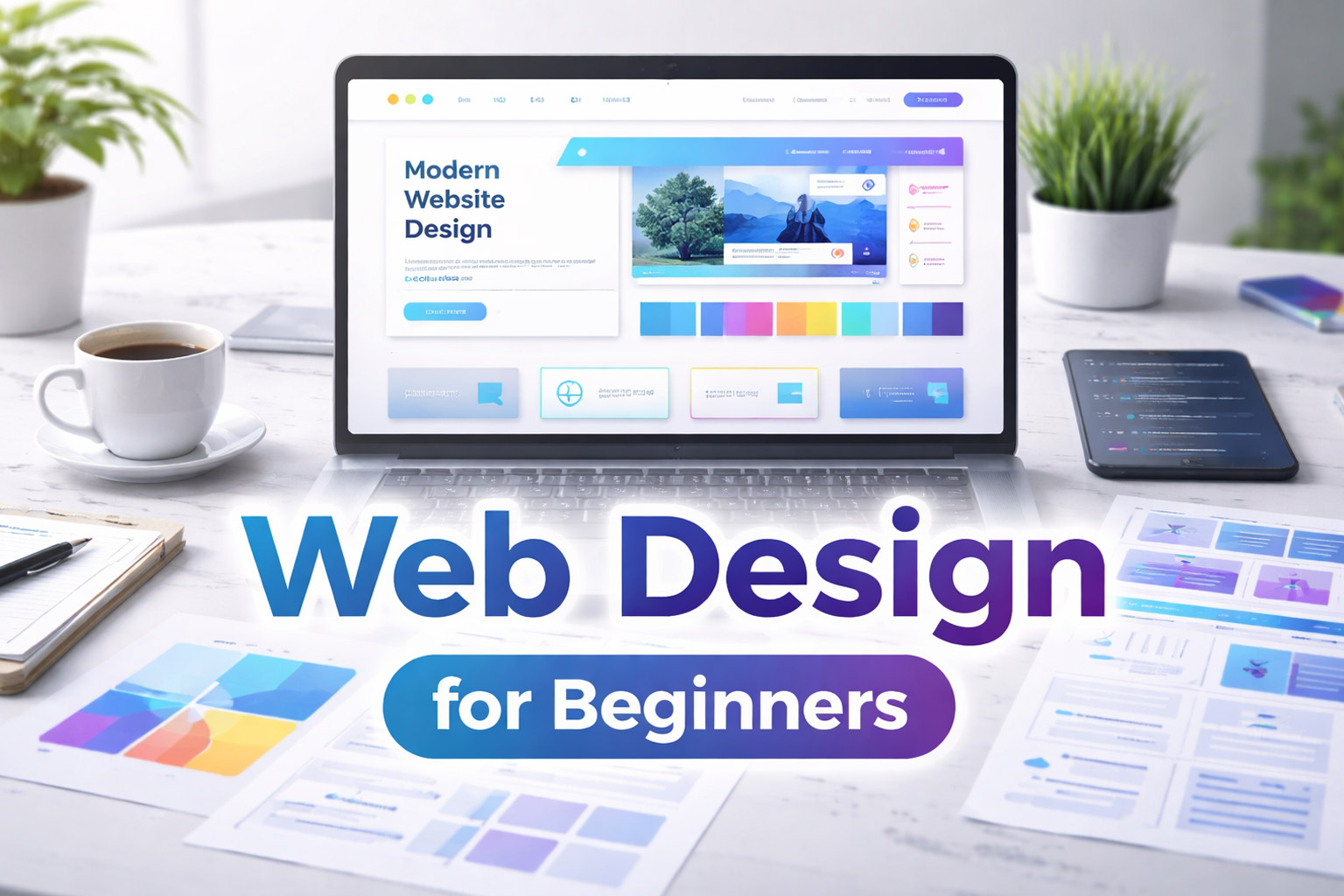
Web design is the foundation of every website you see on the internet. From personal blogs and business websites to online stores and portfolios, web design decides how a website looks, feels, and functions. A clean and well-planned design keeps users engaged, while a poor design often pushes visitors away.
If you are searching for web design for beginners, this guide is written especially for you. It explains web design basics in simple language, without technical confusion. By the end of this article, you will clearly understand what web design is, why it matters, and how you can start learning it step by step.
What Is Web Design?
Web design is the process of planning, creating, and arranging content on a website so that it is visually appealing and easy to use. It focuses on how information is presented and how users interact with a website.
Web design includes layout, colors, typography, images, navigation, and overall user experience. In simple words, web design is about designing websites that look good and work smoothly on all devices.
Why Web Design Is Important
Web design plays a major role in how users perceive a website. Visitors often form an opinion within a few seconds of landing on a page, and design strongly influences that first impression.
A well-designed website helps users trust the content and the brand behind it. On the other hand, a cluttered or outdated design can make users leave immediately.
- Creates a strong first impression
- Improves user experience
- Builds trust and credibility
- Helps with search engine optimization (SEO)
- Increases engagement and conversions
Web Design vs Web Development
Many beginners confuse web design with web development, but these are two different skills.
Web design focuses on how a website looks and how users interact with it. Web development focuses on writing code and making the website function properly.
You can think of web design as the appearance and layout of a building, while web development is the structure and wiring behind the walls.
Core Elements of Web Design
To understand web design basics, it is important to know the key elements that make a website effective and user-friendly.
Layout and Structure
Layout refers to how content is arranged on a web page. A good layout guides users naturally through the page and helps them find information easily.
Common layout styles include single-column layouts, grid-based layouts, and card-style designs.
Color Theory
Colors influence emotions and user behavior. Choosing the right color combination is an important part of web design for beginners.
Good color contrast improves readability and helps create a consistent brand identity across the website.
Typography
Typography refers to how text appears on a website. Clean and readable fonts make content easier to understand and improve overall user experience.
Using proper font sizes, spacing, and headings is essential for modern web design.
Images and Visual Content
Images help explain ideas faster than text and make a website more engaging. However, images should always be optimized to keep page loading times fast.
High-quality visuals improve the professional look of a website.
Navigation and Usability
Navigation allows users to move through a website easily. Clear menus and links improve usability and keep visitors engaged.
Good navigation should be simple, consistent, and easy to use on both desktop and mobile devices.
Responsive Web Design and User Experience
Responsive web design ensures that a website works properly on all screen sizes, including mobile phones, tablets, and desktops.
A responsive website automatically adjusts its layout, images, and text to fit different devices, providing a better user experience.
User Interface (UI) and User Experience (UX)
User interface (UI) focuses on visual elements such as buttons, colors, and layouts. User experience (UX) focuses on how users feel while interacting with the website.
A successful web design balances both UI and UX to create a smooth and enjoyable browsing experience.
Web Design Tools and Principles for Beginners
You do not need advanced or expensive tools to start learning web design. Many beginner-friendly tools are available that make the process easier.
Popular Web Design Tools
- Figma
- Canva
- Adobe XD
- HTML and CSS
These tools help beginners create layouts, design interfaces, and test website ideas.
Essential Web Design Principles
- Keep designs simple
- Maintain consistency
- Use white space effectively
- Focus on readability
- Design with users in mind
How to Learn Web Design Step by Step
If you want to learn web design for beginners, following a structured approach can make learning easier.
- Understand web design basics
- Learn HTML and CSS
- Practice layouts and typography
- Study modern website designs
- Build small projects regularly
Common Web Design Mistakes to Avoid
Beginners often make mistakes that affect website usability and performance.
- Using too many colors
- Poor font selection
- Overcrowded layouts
- Ignoring mobile users
- Slow-loading images
Web Design as a Career
Web design is a growing career option with many opportunities. Businesses, startups, bloggers, and companies all need well-designed websites.
Web designers can work as freelancers, agency designers, or in-house professionals. With experience, web design can become a stable and rewarding career.
Final Thoughts
Web design is a valuable skill that combines creativity with logic. You do not need to be perfect to start. By learning web design basics and practicing regularly, you can create websites that look professional and work smoothly.
If you are a beginner, focus on simplicity, usability, and continuous learning. Over time, your confidence and skills will grow naturally.






0 comments